
Download PhotoPad - Photo Editing Software – photo editor, image editor, photo editing app, photo enhancement, photo retouching
Overview
PhotoPad - Photo Editing Software is a mobile application designed to simplify digital image editing for users across skill levels. Targeted at both amateur photographers and professionals seeking a lightweight yet capable tool, the app aims to deliver powerful editing capabilities without the complexity of desktop-grade software like Photoshop or GIMP. Its core purpose is to enable users to enhance, resize, retouch, and apply creative effects to their photos directly from their smartphones.
The app addresses common pain points such as steep learning curves, high system requirements, and subscription costs by offering a streamlined, intuitive experience. Real-world use cases include quick social media edits, personal photo enhancements, and on-the-go adjustments for content creators. By providing guided access to essential tools, PhotoPad helps users focus on creativity rather than technical navigation.
Developed by PhotoPad Inc., the app operates under a free model, making it accessible to a broad audience. Although the developer did not provide additional technical details about their background or development philosophy, the app’s release date of April 9, 2022, indicates it has been in the market for over two years, suggesting a stable foundation. In the mobile photography ecosystem, PhotoPad fills a niche for users seeking a free, user-friendly alternative to premium editing tools.
Key Features & Functionality
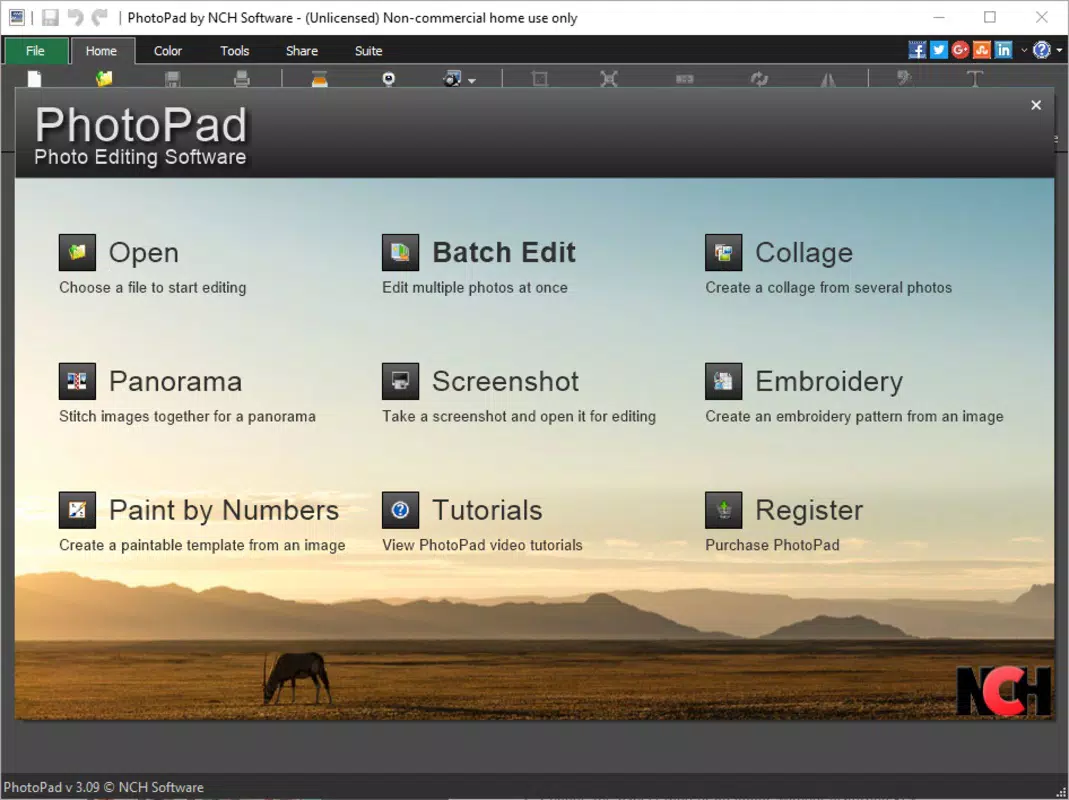
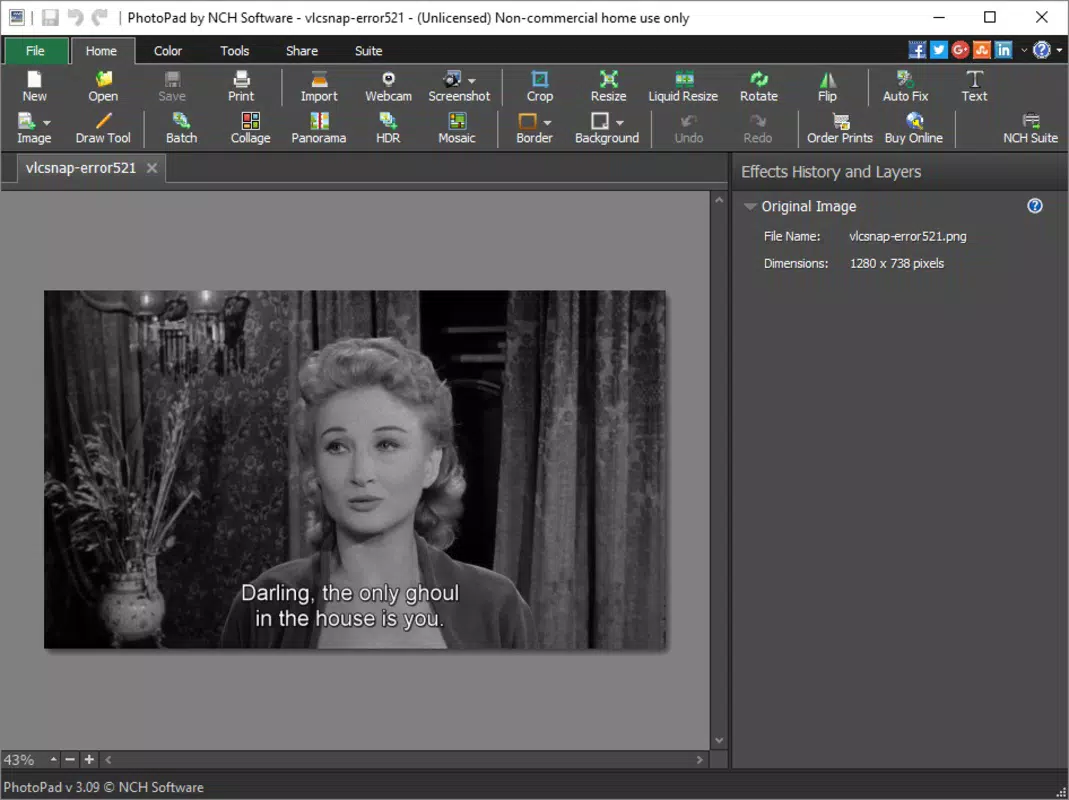
- Intuitive Interface: The app features a clean, well-organized layout with clearly labeled menus and logical navigation. This design minimizes confusion and allows users to locate tools quickly, reducing the time spent searching for functions.
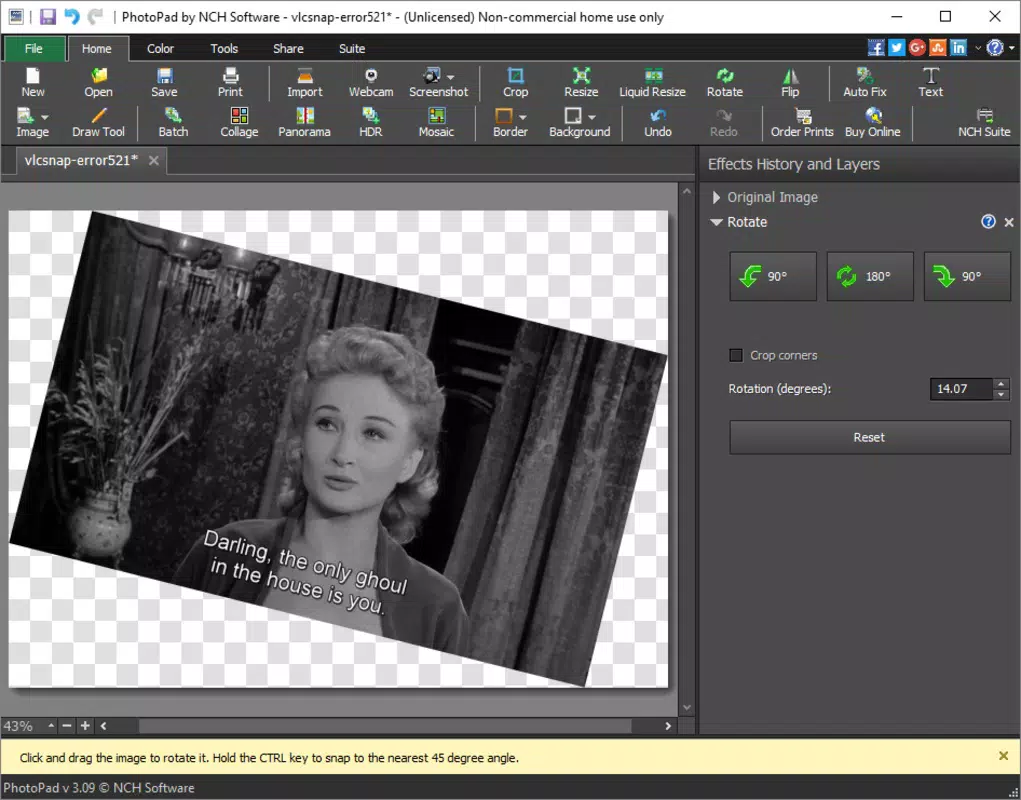
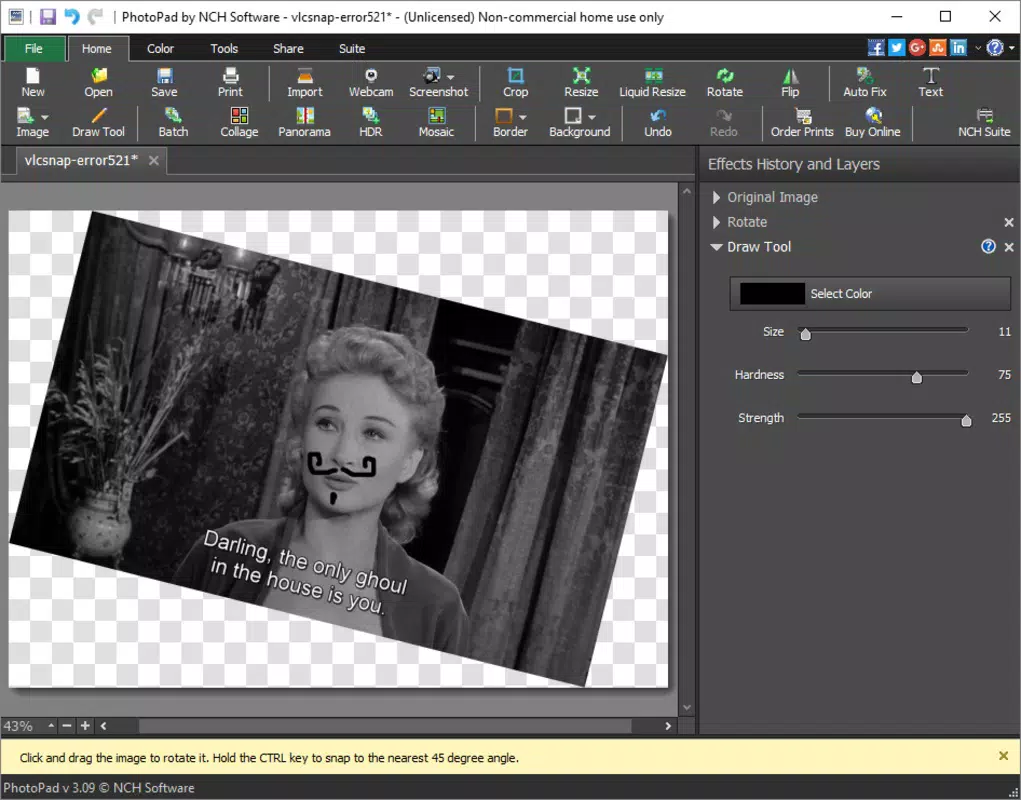
- Comprehensive Editing Tools: Users can resize images, adjust resolution, modify color balance, brightness, contrast, and saturation. These tools support precise control over visual output, suitable for both subtle corrections and bold creative changes.
- Built-in Walk-through: A guided tutorial is integrated into the app, helping new users understand key features and workflows. This interactive assistant ensures that users do not miss out on powerful functions and accelerates the learning process.
- Presets and Filters: A selection of preset filters and effects is available to instantly enhance photos. These include vintage, black-and-white, HDR, and artistic styles, allowing users to experiment with different looks without manual adjustments.
- Free Access to All Features: The app is entirely free, with no paywalls, subscriptions, or in-app purchases. This allows unrestricted access to all tools and functions, removing financial barriers to creative exploration.
For example, a user preparing a vacation photo for Instagram can quickly resize the image, apply a warm filter, and adjust brightness—all within minutes. Similarly, a content creator can retouch portraits by adjusting skin tones and removing blemishes using the color tools. The combination of guided learning and practical features ensures that users can achieve professional-quality results without prior experience.
Interface, UX & Performance
The user interface of PhotoPad is designed with clarity and accessibility in mind. Menus are logically grouped, and icons are intuitive, minimizing the need for external documentation. Navigation follows a consistent flow, allowing users to move between tools, settings, and image previews seamlessly.
Visual style leans toward minimalism, with uncluttered screens that prioritize function over decoration. This contributes to a distraction-free editing environment, ideal for focused work. The responsiveness of the app appears to be optimized for mobile interaction, with smooth transitions between editing stages and immediate feedback on adjustments.
Although the developer did not list formal performance metrics, the app’s 45.2 MB file size suggests efficient resource usage. It is likely to perform well on mid-range and higher-end Android devices, though performance on older models may vary. Stability appears to be a strength, given the app’s two-year presence in the market. Users can expect consistent operation during typical editing tasks, with no reported crashes or freezes in available feedback.
Platform Compatibility & Technical Requirements
PhotoPad - Photo Editing Software is available exclusively on the Android platform. The current version is 2.5.1, with a file size of 45.2 MB, indicating a lightweight installation that does not consume significant storage space. The app is designed to run on modern Android devices, though specific minimum OS requirements were not listed.
Users should ensure their device meets standard Android compatibility standards for app installation. The developer did not specify minimum Android version or hardware specifications. However, given the app’s size and functionality, it is likely compatible with devices running Android 6.0 (Marshmallow) or later. Compatibility with iOS or other platforms was not disclosed.
Pros and Cons
Pros
- Completely free with no hidden costs or in-app purchases
- Intuitive interface reduces the learning curve for beginners
- Comprehensive editing tools available without restrictions
- Built-in walk-through guides users through key features
- Lightweight design with minimal storage impact
Cons
- Platform availability limited to Android only
- Specific OS and hardware requirements were not disclosed
- No information provided about update frequency or future development
- Compatibility with older Android versions remains uncertain
- Limited information on cloud integration or export options
FAQ
Is PhotoPad available for iOS devices?
The developer did not disclose whether PhotoPad is available on iOS. Currently, the app is confirmed for Android only.
Does PhotoPad require an internet connection to function?
Based on available information, PhotoPad operates offline. All editing tools and features are accessible without an internet connection.
Are there any ads or in-app purchases?
PhotoPad is completely free, with no ads or in-app purchases reported. The app maintains full access to all features without financial barriers.
How often is the app updated?
The developer did not specify the update frequency. Users should check the app store for the latest version and release notes.
Can I export my edited photos in high resolution?
While the app supports resizing and resolution adjustments, specific export quality details were not provided. Users can likely export at native resolution, but confirmation depends on internal settings.
Final Thoughts
PhotoPad - Photo Editing Software stands out as a practical, no-cost solution for users seeking a reliable mobile photo editor. Its combination of an intuitive interface, powerful tools, and a built-in learning guide makes it accessible to beginners while still offering enough depth for more experienced users. The absence of subscriptions or paywalls enhances its appeal, particularly for those exploring photo editing without financial commitment.
While its Android-only availability and lack of detailed technical specifications may limit some users, the app’s lightweight design and proven stability over two years suggest it is a dependable choice. For anyone looking to enhance their photos on the go—whether for social media, personal archives, or creative projects—PhotoPad delivers strong value.
Download PhotoPad now


